Help inside the application
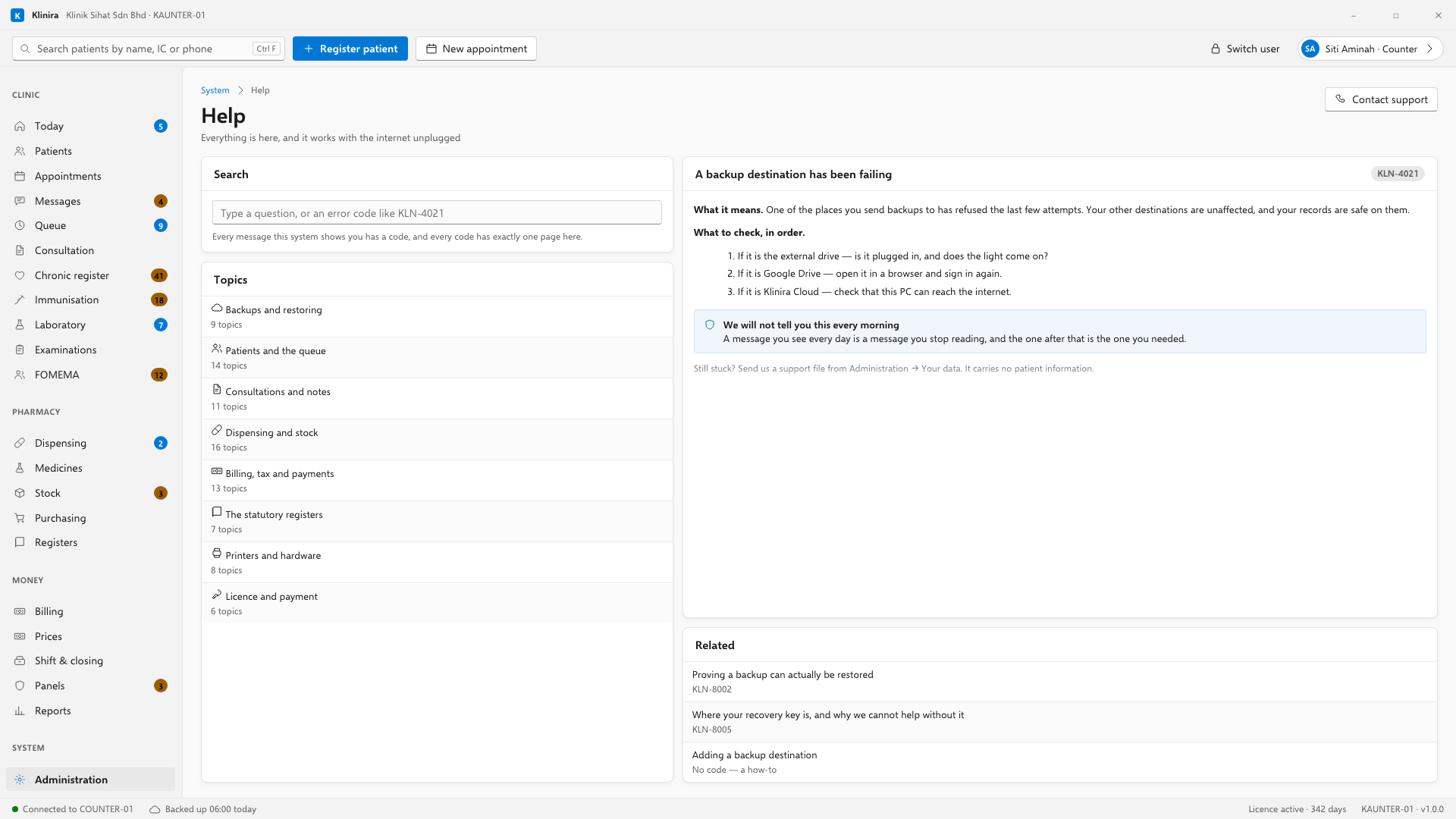
Every message Klinira shows carries a code, and every code has exactly one help topic explaining what happened and what to do about it.
Codes
A message like KLN-2001 is not a technical detail you are meant to ignore. Type it into Help and you get the topic for exactly that situation. Read it to a support agent on the telephone and they know where you are without a description.
Getting help from us
- 1Open Help and search what you are seeing. Most things are answered there.
- 2If it is a device, open Devices and read what it says. That is the first thing support will ask.
- 3If you still need us, make a diagnostic file from Your data and send it with your message.
Keyboard shortcuts
All nine of them are listed at the foot of every Help topic as well, so you never have to remember where you read them. Four mean the same thing everywhere; the other five belong to whatever screen you are on, and on a screen with no answer they do nothing at all rather than complaining.
| Keys | Does |
|---|---|
| Ctrl + F | Search for a patient, from anywhere |
| Ctrl + N | Register a new patient |
| F2 | Put the patient in front of you into the queue |
| F3 | Open the next patient in the queue |
| Ctrl + S | Save what this screen saves — the note on a consultation, the adjustment on Stock |
| Ctrl + P | Print the document this screen has open |
| F9 | Finish the consultation and move the patient on |
| Ctrl + L | Lock the screen, keeping you signed in |
| Esc | Close the window you opened |
Take a place in the first installs
Klinira is being built now. Leave your details and you will hear what is finished, be asked what your clinic actually needs, and get the first install dates when it is ready.