Switching Clinic Software Without Losing Patient Records: A Practical Checklist
You can switch clinic software without losing records if you do five things in order: get an export sample before you sign, export everything, test-import about 50 patients, run both systems side by side for a short while, and keep the old system readable for as long as the law requires. Most of what goes wrong is decided before the contract is signed.
Get a sample export from the new vendor before you sign, ask the old vendor for a full export in a format you can open (CSV is the safest), test-import about 50 patients and compare them with the old screen, then run both systems side by side for a short time. Keep the old system or its export readable afterwards, because the Private Healthcare Facilities and Services (Private Medical Clinics or Private Dental Clinics) Regulations 2006 require the clinic to keep the original records.
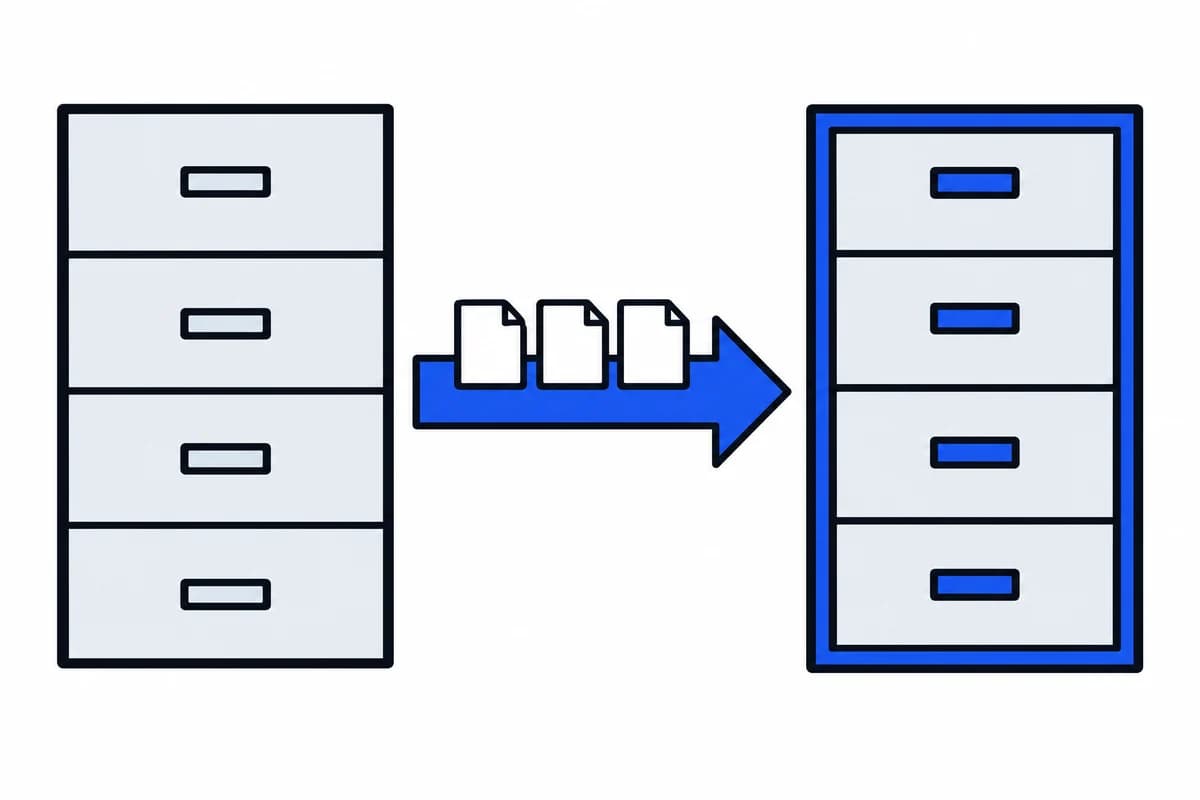
What should you do before you sign anything?
Switching is easy to start and hard to undo, so the useful questions come first. Ask the new vendor, and the old one, and get the answers in writing:
- Can the new system take a sample of your data? Send 50 patients from your old system and ask to see them loaded before you pay.
- Which file formats does the new system read? CSV is the one almost everything can write. If the answer is only "we will do it for you", ask what that costs and how long it takes.
- Does the old vendor export your data, is it free, and by when? We know of no rule that makes a vendor export for free, so settle it before you give notice, not after.
- Who owns the data? Under the regulations the medical record belongs to the clinic, and the Malaysian Medical Council's guideline (cl. 1.12) says the same. Check that the contract does not say otherwise.
- Does export keep working if you stop paying? Some systems lock the data with the licence. A clinic has a legal duty to keep its records, so you want a yes.
What should the export contain?
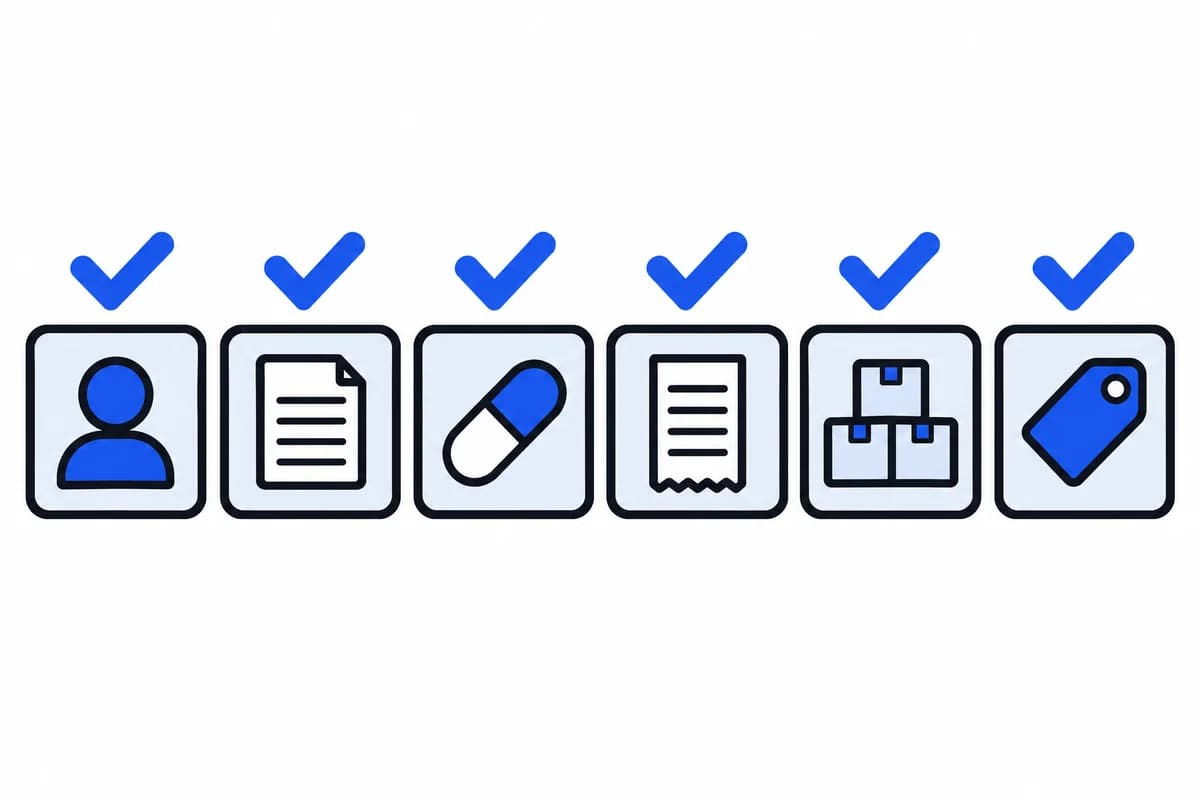
Ask for everything, and then check each item on this list against the file. A patient list alone is the minimum, not the goal.
| What | What to check |
|---|---|
| Patients | Does every patient appear once? Are IC numbers complete? |
| Visits and notes | Dates, doctor's name, and corrections still readable |
| Allergies and chronic conditions | Often kept in a separate table and forgotten |
| Prescriptions and dispensing | Batch numbers and quantities, not just drug names |
| Bills and payments | Invoice numbers, dates, amounts, refunds as separate lines |
| Stock and price list | Batch, expiry date, quantity in units not boxes |
Also ask whether you get a readable version, not just a database dump. A file only the old vendor's software can open is not an export.
How do you test the export before the real move?
Do not import four thousand patients as your first attempt. Import a small slice and look at it with your own eyes.
- 1Take about 50 patients, and make sure they are not all easy ones. Include a child with no IC, a foreign worker with a passport, a patient with two phone numbers, a name with an apostrophe or "bin" and "binti", and one with a long address.
- 2Import them into a test copy, or into the trial if the new system offers one. Then open ten on the new screen beside the old screen and compare name, IC, date of birth, phone and address, letter by letter.
- 3Count. If you sent 50 and 48 arrived, find the two. Silent loss is the failure you are testing for.
- 4Check the odd characters: Malay names with diacritics, Chinese characters, dates that could be read as day-month or month-day, and phone numbers that lost their leading zero.
Should you run both systems side by side?
Yes, for a short and fixed period, and no longer than you need. One to two weeks is common for a small clinic. During that time the new system is the one you actually use for patients, and the old one stays open for looking things up.

What does not transfer, and what must never restart?
Expect these to be missing, and plan for each one:
- Attachments: scanned letters, lab PDFs, photographs and X-ray images usually stay behind or arrive as filenames with no file.
- Audit history, meaning who opened which record and when. It rarely moves, so keep the old copy.
- Allergies, chronic registers, immunisation schedules and recall dates, which are often in tables a patient-list export leaves out.
What happens on cut-over day?
- 1Take one last full export from the old system after the last patient has gone, and keep it somewhere that is not the old computer.
- 2Import anything that changed since the test: new patients, today's stock, any new prices.
- 3Count the shelf. Make the stock on screen match what you can touch, and count controlled medicines twice.
- 4Check that backup works on the new system before the first patient is seen, not after.
How long must the old system stay readable?
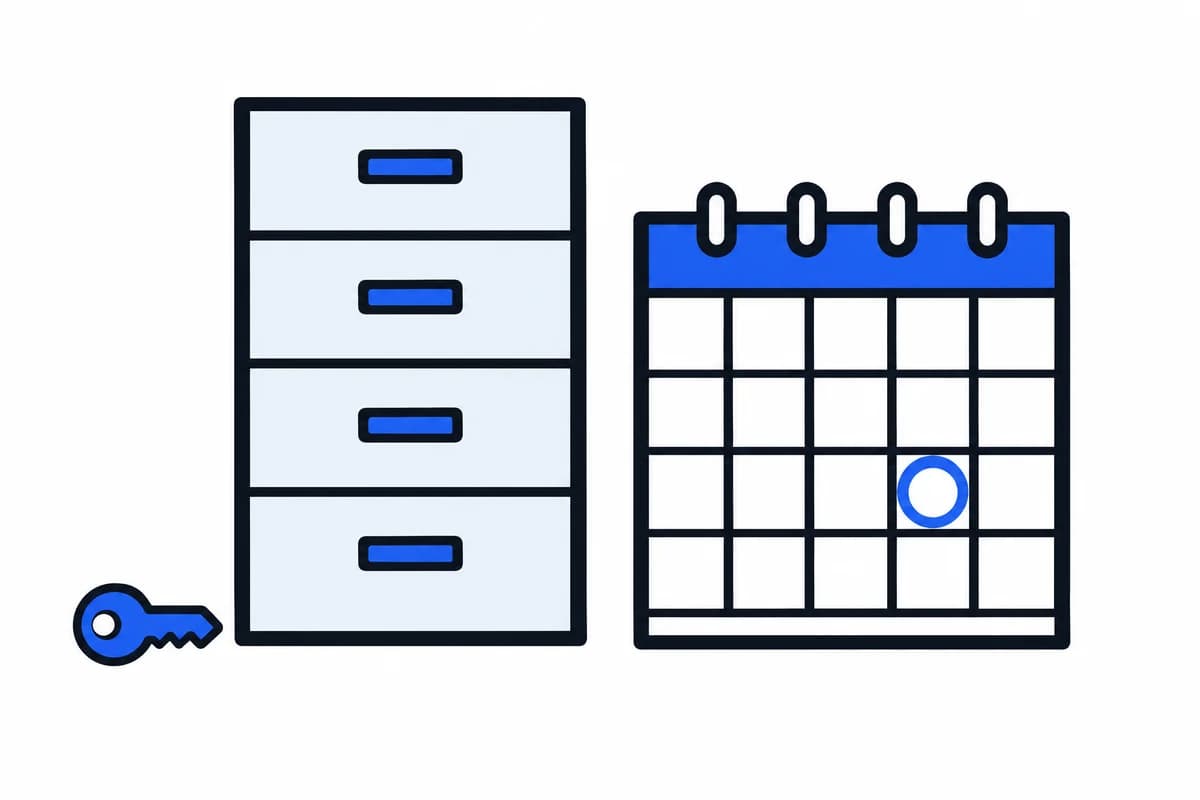
As long as the law says you keep the record. Under Part VII of the Private Healthcare Facilities and Services (Private Medical Clinics or Private Dental Clinics) Regulations 2006, P.U.(A) 137/2006, the record is the clinic's property, the clinic must protect it from loss and alteration, and the original must be kept for at least as long as the limitation law requires. The regulations name no fixed number of years, and the period can be longer for a child. Ask your adviser for the number that applies to your clinic, and write it on the box where the old export is kept.
In practice that means three things. Keep the old export on two drives and open it once a year to prove it still opens. Keep the old software installed, or save a copy of the records as CSV or PDF so you are not depending on a program that may stop working on a newer Windows.
What does Klinira's import bring across, and what does it not?
We read this from the code rather than the brochure. Klinira imports four things, from a CSV file: patients, medicines, opening stock and prices. It does not import visits, notes, diagnoses, prescriptions, bills, attachments, allergies or either register. Clinical history stays in the old system.
- Format: CSV only, so save the spreadsheet as CSV first. Commas, semicolons and tabs are recognised. Headings match regardless of case or spaces, and a column Klinira does not know is ignored and listed.
- Patients: 17 columns, and only the full name is required. The old patient number is kept if you supply it and it is not already used, otherwise a new one is given. A date of birth is read from a MyKad number if the column is blank.
- Duplicates: matched on the IC number only. A patient whose IC is already registered is skipped, not refused. The same IC twice in one file is reported as a problem. A row with no IC is never matched, so import such a file once.
- Preview: choose the file and press Check the file. Nothing is written. It shows new records, rows already here, the first ten rows as understood, and up to 100 problems by line number. The import then checks the file again and is all or nothing: if there is any problem, nothing is imported.
- Stock: the medicine must already exist, quantities are in dispensing units, and a batch that has already expired is refused. Imported stock is recorded as an opening stock adjustment. It does not write a psychotropic register entry, so count controlled medicines by hand.
- Prescription Book: Klinira's serial is PB- and six digits, never resets, and we found no setting to start it at your old number. Use the closed old book approach above.
The other direction is open too. Klinira's full export gives you one CSV file per table, with a README and a manifest of row counts, and it works in every licence state, including an expired one. It is the raw database, so it suits keeping and checking more than loading straight into another product.
This post explains the rules in general. A clinic should confirm its own position with the Ministry of Health, the Poisons authority that inspects it, or an adviser.
Where Klinira fits
If you move to Klinira, bring the patient list, medicine list, opening stock and prices across with the guided import, and keep the old system for the clinical history. The import checks everything before it writes anything, and you can run the same 50-patient test described above on your real file.
The steps are: save the template from Administration, Bring records in; fill it in and save as CSV; choose your file and press Check the file; fix the lines it names; then import. Start the 14-day trial from the Microsoft Store and run your test import there before you decide.
What Klinira does not do
Stated here rather than discovered after you have paid.
- This post does not give a number of years to keep records: the regulations name none, and we could not confirm a figure from a primary source.
- It does not claim that Klinira can import clinical records, bring across an old Prescription Book, or start its serial at an old number.
- It is general information, not legal advice.
Common questions
Can I move old visit notes into a new clinic system?
Sometimes, if the old vendor exports them and the new one can read them, and only after you have tested a small batch. Many systems, including Klinira, import only the patient list, medicines, stock and prices, and leave clinical notes in the old system. Ask before you sign, and keep the old records readable either way.
How long should I run two systems side by side?
A short, fixed period, commonly one to two weeks for a small clinic. Use the new system for patients and keep the old one open to look things up, rather than writing every visit twice.
What happens to my Prescription Book serial numbers when I change system?
They must not restart or repeat. Ask the new vendor whether the series can continue from your last number. If it cannot, close the old book with its last serial and date written in, start the new book on a stated date, and confirm the arrangement with the authority that inspects you.
How long must I keep the old patient records?
The 2006 regulations (P.U.(A) 137/2006) require the original records to be kept for at least the period the limitation law sets, and name no fixed number of years. The period can be longer for a child. Confirm the figure for your clinic with an adviser.
Try it at your own counter first
Klinira is on the Microsoft Store. Install it on the clinic's main computer, press Start the free trial, and you have every module for 14 days. No card. If you would rather we show you first, leave your number.