Clinic Software That Works Without Internet: What Happens When the Line Goes Down on a Monday Morning
What a clinic can still do when the internet drops depends on one thing: where the database is kept. In a cloud system it is in a data centre and the counter usually stops. On a computer inside the clinic, registration, notes, dispensing and billing carry on, and only a short list of things need the line. This post walks through both, the power-cut case, and a five-minute test you can run on any vendor.
It depends on where the database is. If it is in a data centre, as in most cloud systems, the counter usually stops or goes to paper until the line returns. If it is on a computer inside the clinic, as with Klinira, registration, notes, dispensing and billing carry on, because they only need the clinic's own network. What still needs the internet is short: activating the licence, and anything a patient does from their own phone. A perpetual licence never has to be refreshed.
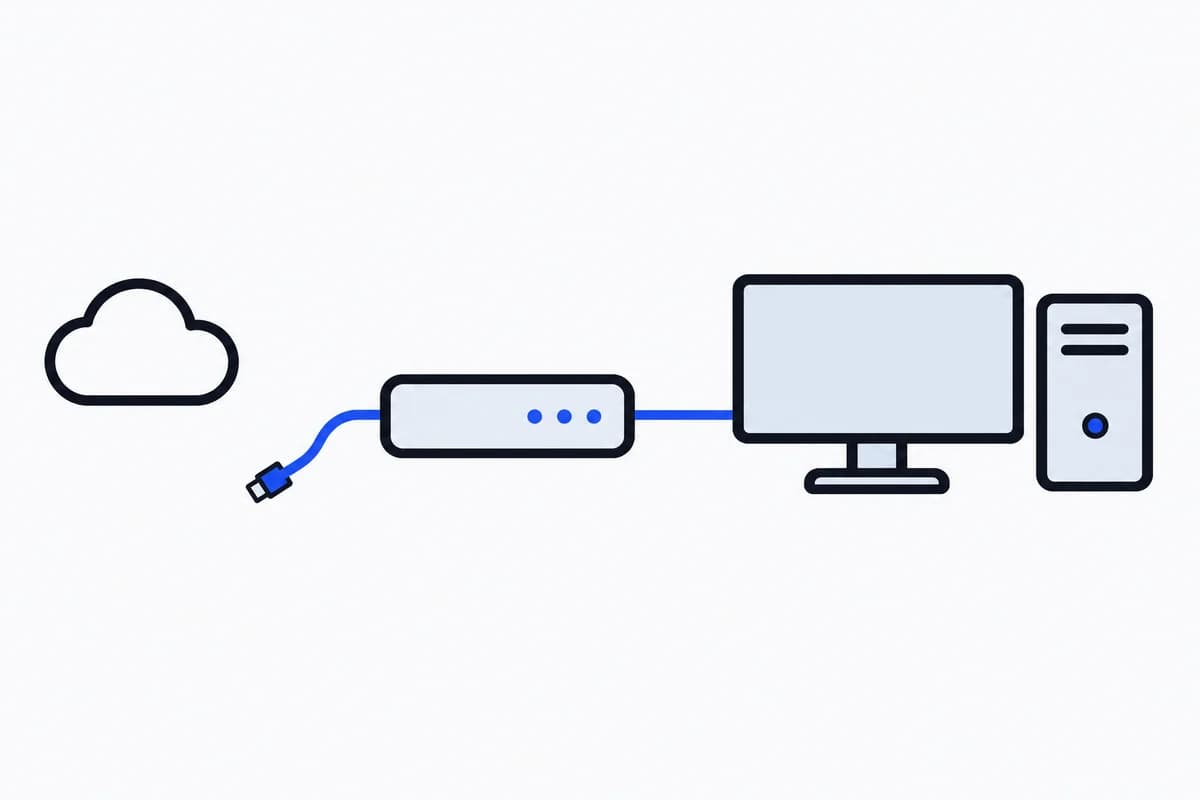
What does a Monday morning with no internet look like?
Picture it. It is 8.40 on a Monday, twelve patients are in the waiting room, and the router's light has gone red. The telco's line says it will be fixed today. It does not say when.
What happens next was decided on the day the clinic chose a system. Either the records live in a data centre and every screen asks it for them, or they live on a computer in the clinic and the screens ask that. The internet line is in the first path and not in the second.
What a cloud-based system usually does when the line drops
Cloud systems are a fair choice. The owner can open them from home, there is no server to look after, and the vendor handles backups. The price is that the line is part of every click. No vendor was tested for this post, so this is what to expect and what to check, not a verdict on anyone.
- Screens that need the server stop loading. Searching a patient or opening a history gives a spinning wheel or an error.
- A note half typed may or may not survive. Some systems keep the text in the browser, some lose it when the page reloads.
- Some have a limited offline mode, usually for viewing recent records or queuing a form to send later. How far it goes differs a lot, so ask to see it.
- Otherwise the counter writes on paper and somebody types it all in when the line is back.
A second line from another provider, or a charged mobile hotspot in a drawer, turns a long outage into a short one. It costs far less than changing system and is worth having whichever you use.
Paper has one more cost for a clinic that dispenses. Section 24 of the Poisons Act 1952 asks for the Prescription Book entry to be made on the day of supply, so a morning of paper notes has to be turned into entries that same day, not on Wednesday.
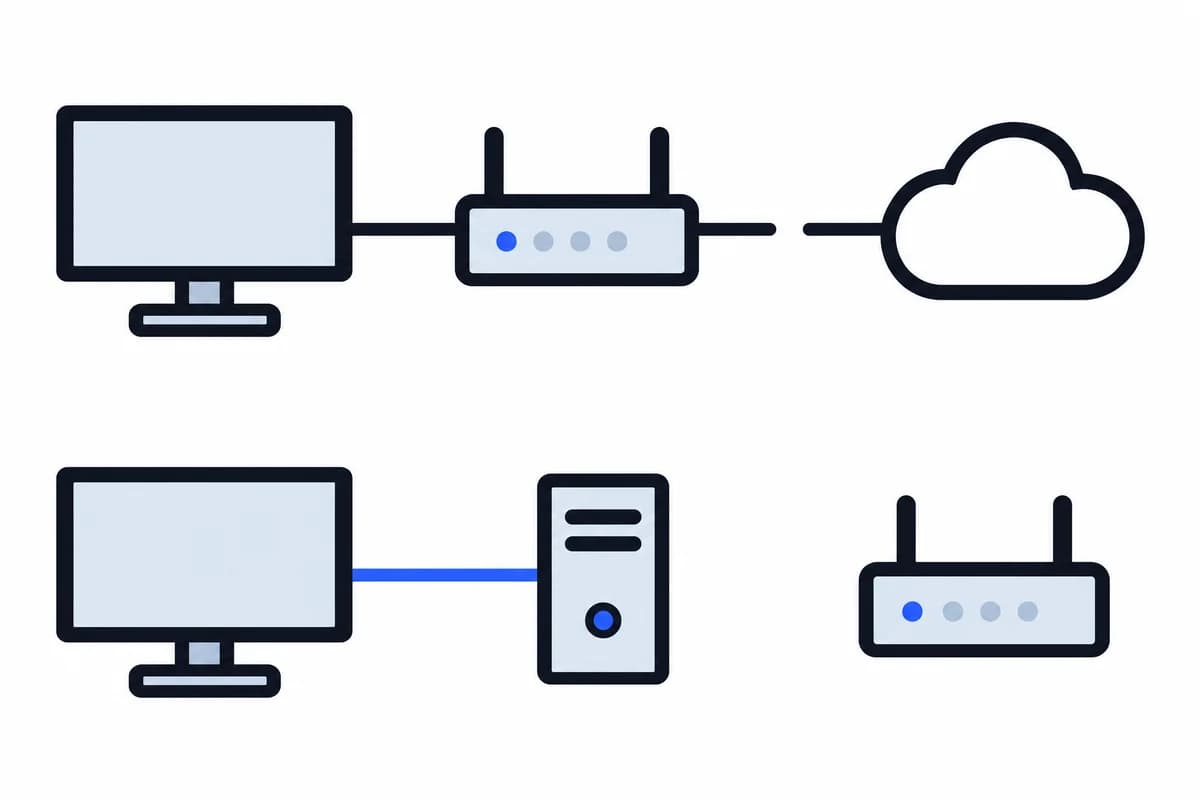
What keeps working in Klinira when the internet is down
Klinira keeps the database on one designated main computer in the clinic. Every other PC, the counter and the consulting rooms, reaches it over the clinic's own network, and the main computer's own screen does not even need that. So a dead internet line changes nothing about those paths.
The harder failure is a single PC that cannot reach the main computer, because of a loose cable or a switched-off network switch. That is a different failure from the internet going down, and the software treats it differently:
| What the clinic is doing | Internet down | One PC cannot reach the main computer |
|---|---|---|
| Notes, diagnoses, vitals, prescriptions | Works | Saved on that PC and sent when it reconnects |
| Dispensing and the Prescription Book entry | Works | Paused |
| Bills and payments | Works | Paused |
| Queue numbers | Works | Paused |
| Opening a patient seen recently, reading today's queue | Works | Shown as last known, marked with the time |
The pause is on purpose. Stock counts, invoice numbers, queue numbers and Prescription Book serials must never repeat or skip, and only one place can hand them out correctly. Two disconnected PCs would each issue the next number and you would get two A-014 tickets. Klinira says so on screen in words and carries on saving the notes.
What does still need the internet
- Activating the licence the first time.
- Nothing after that, on a perpetual licence: it has no refresh and runs offline for good. The 14-day trial is the only exception: when it ends without a purchase the system turns read-only, with every record still opening, printing and exporting.
- The owner's phone app. Once a day the clinic sends that day's counts, with no patient names, and tries again if the line was down. The counter never waits for it.
- Pages a patient opens on their own phone: online booking, the QR check-in at the door and their place in the queue. Bookings wait until the clinic is back, and the queue page stops showing a position rather than show an old one.
- Copying backups to a Google Drive or OneDrive folder. The backup file is written to the folder on the main computer straight away, and the upload to Google or Microsoft catches up when the line is back. A backup to a USB drive or another PC in the clinic needs no internet at all.
- Downloading updates, which come through the Microsoft Store.
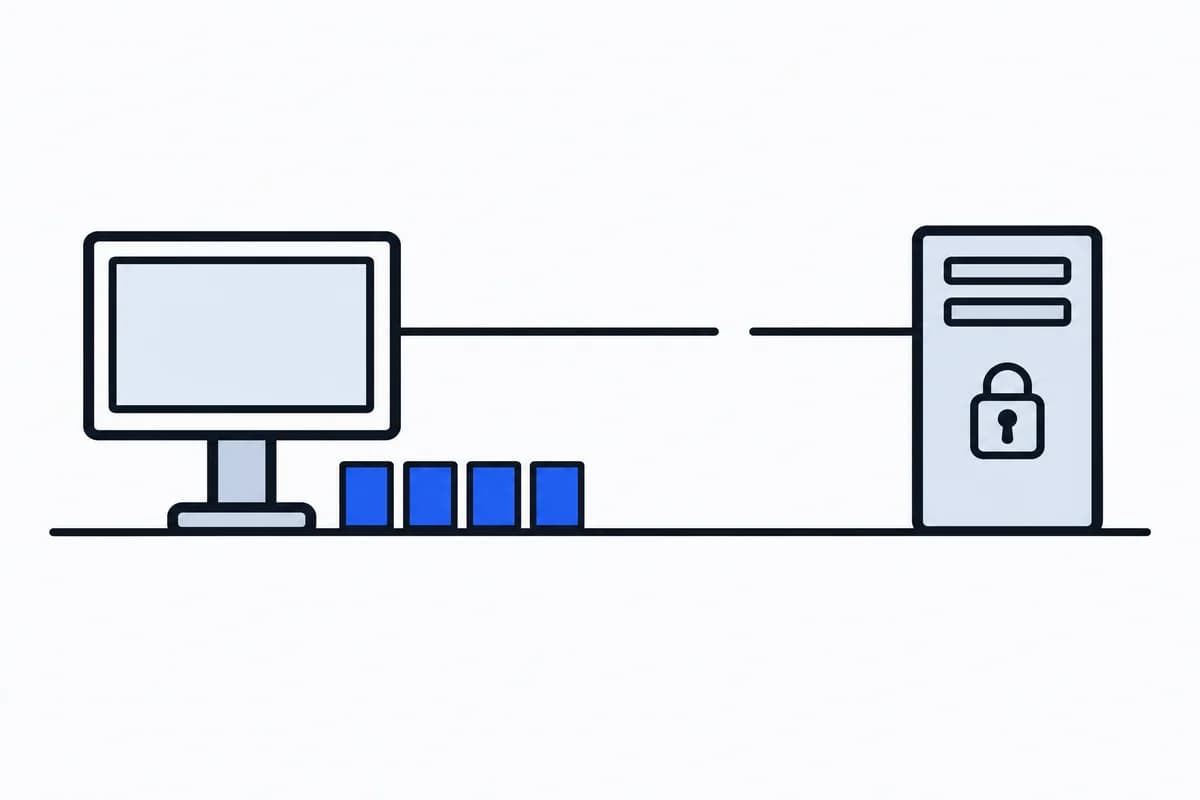
What happens in a power cut, not just a line cut?
A power cut is the harder test, because it can strike while a record is half written. Any database on the clinic's premises has to be built to survive that.
Klinira stores its data in SQLite in write-ahead log mode. SQLite's own documentation says transactions stay consistent in that mode, and that the setting Klinira uses trades some durability for speed: after a sudden power loss, the last moments before it may not have reached the disk. In plain terms, the file is not left half written, but the last note or two may need typing again. Notes waiting to be sent on a workstation sit in an encrypted journal written to disk on every entry.
When power returns, the server runs as a Windows service that starts with the computer, before anyone signs in. Routers often give the main computer a new address after a power cut, and the other PCs search for it again by themselves. A small UPS, an uninterruptible power supply, under the main computer and the router gives Windows time to shut down properly. Nothing in the law asks for one; it is cheap insurance.
A five-minute test to run on any vendor
Brochures say "works offline" in a dozen different senses. Do not ask what it means. Pull the cable.
- 1Ask for the demo on your own PC and your own network, not on a laptop at the vendor's office.
- 2Open a patient and type three lines of a consultation note. Do not save yet.
- 3Pull the internet cable out of the router. Leave the cables between your own computers alone.
- 4Try, in this order: save the note, register a new patient, print an MC, raise a bill, dispense a medicine that is a poison and look for the Prescription Book entry.
- 5Write down what stopped and what the screen said. A clear message that names what to do is a good sign. A spinning wheel is not.
- 6Plug the cable back. Check the note, the bill and the stock count, and look for duplicates.
- 7Only on a trial copy, never on live records: power off the main computer mid-save, start it again and see what is there.
Questions to ask any vendor
- Where is the database kept, and where is the only copy of today's work?
- If the line is down for a whole morning, can we register, write notes, print an MC, dispense and bill?
- When something is paused, does the screen say so in words, and what happens to what I typed?
- How long can it run offline before the licence stops it, and what still works after that? Can we export every record in every licence state?
- What does a power cut do to a note being saved, and to the database file?
- Where do backups go, can I open one without you, and does it work with no internet?
- What has to stay switched on during opening hours?
Where Klinira fits
Klinira is built around one designated main computer in the clinic, an ordinary Windows 10 or 11 PC that holds the database while every other PC talks to it over the clinic's network. The limit follows from that: the main computer has to be on during clinic hours, so choose the front counter PC and not a doctor's machine that is switched off between sessions. If it fails, the clinic stops until its latest backup is restored onto another PC by hand, and up to about an hour of work may need re-entering; a one-button standby is designed but is not in this version. Backups go to a drive or a Google Drive or OneDrive folder, never the same disk as the database, and there is no Klinira cloud backup.
Start the 14-day trial from the Microsoft Store and run the unplug test above on your own PCs before you decide. This post explains how these things work in general and is not legal advice; confirm your clinic's own position with the Ministry of Health's Pharmaceutical Services Programme or an adviser.
What Klinira does not do
Stated here rather than discovered after you have paid.
- It does not say every cloud system stops dead. Some have an offline mode, and no vendor was tested for this post.
- It does not say Klinira cannot fail. The main computer is a single point of failure, and the one-button standby is not in this version.
- It does not say a UPS is required by law, or that paper downtime is acceptable under the Poisons Act. Section 24 asks for entries on the day of supply, and the clinic should confirm how it meets that with the authority.
Common questions
Is there clinic software in Malaysia that works without internet?
Yes. Systems that keep the database on a computer inside the clinic work without internet for everyday clinic work. Klinira is one: registration, notes, dispensing and billing carry on with the line down, with no time limit on a perpetual licence, which is the only licence Klinira sells.
Does a cloud clinic system stop when the internet drops?
Usually the parts that need the server stop, because the records are in a data centre. Some have a limited offline mode. How far it goes differs by vendor, so run the unplug test in the demo and see.
Does a power cut damage the clinic database?
It should not corrupt it. Klinira uses SQLite in write-ahead log mode, which SQLite documents as keeping transactions consistent. The last moments before a sudden power loss may not be on disk, so the last note or two may need typing again. A small UPS removes most of that risk.
What happens if the main computer breaks?
The clinic stops until the latest backup is restored onto another PC by hand, and up to about an hour of work may need re-entering. A one-button standby is designed but is not in this version, so keep backups on a drive or folder that is not the main computer's own disk.
Try it at your own counter first
Klinira is on the Microsoft Store. Install it on the clinic's main computer, press Start the free trial, and you have every module for 14 days. No card. If you would rather we show you first, leave your number.